Residents in Bengaluru who have bought or inherited a property, or need to update the registered consumer on an electricity connection, can use BESCOM’s online name-change or change-of-ownership service. The process is available through the utility’s Janasnehi Vidhyuth Sevagalu service. Applicants should use BESCOM’s official website and check the document list shown for their specific application.
Where to apply online
Open the official BESCOM website and look for the Janasnehi Vidhyuth Sevagalu or Name Change/Change of Ownership service. BESCOM also provides a dedicated online name-change form and a request-tracking page.
Step-by-step process
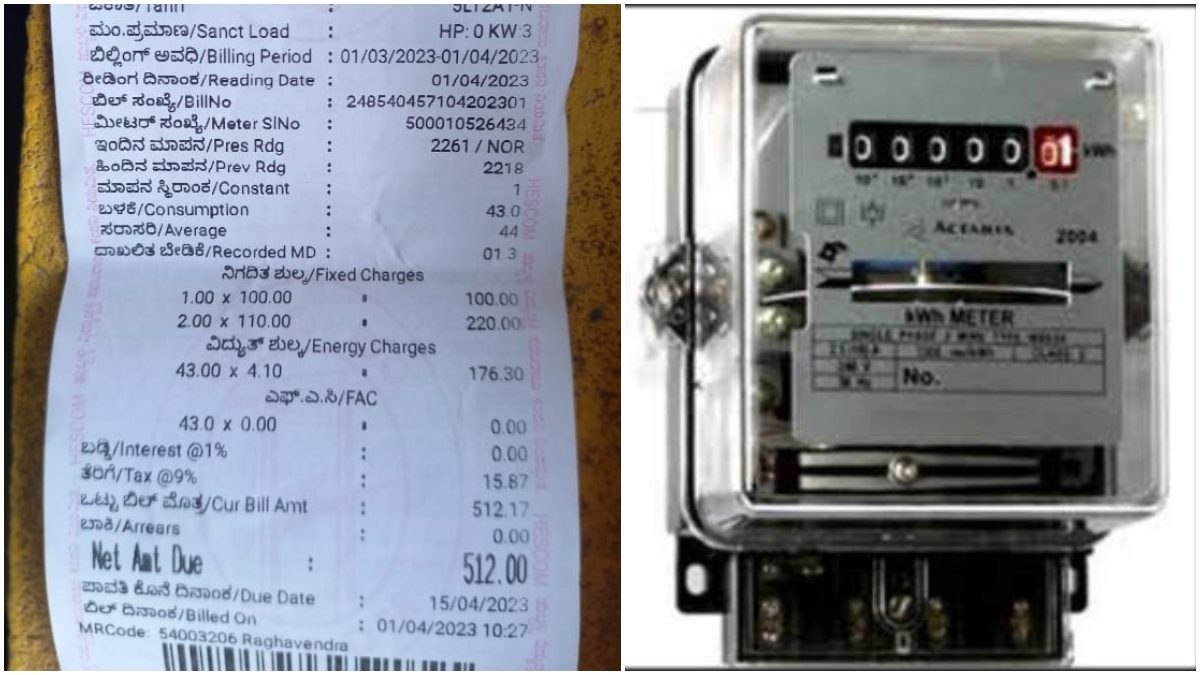
- Keep the 10-digit Account ID printed on your electricity bill handy. This identifies the connection and is used for consumer services.
- Open the official name-change service and sign in or complete the authentication requested by the portal.
- Choose the relevant account and select “Name Change” or “Change of Ownership”. Ensure that the request relates to the correct electricity connection.
- Enter the new consumer’s information and fill in all mandatory fields. Upload the documents requested for your property and connection type.
- Review the submitted details carefully, then submit the application. Save the request ID or confirmation message.
- Pay any applicable fee or demand amount shown by the official system and retain the receipt. Use the tracking facility to check progress.
Which documents may be required?
Requirements depend on the case and the connection. BESCOM’s published materials refer to property and ownership evidence such as a registered sale deed, khata certificate or tax-paid receipt. Depending on circumstances, the portal may ask for identity proof, the latest paid electricity bill, legal occupancy or succession-related records, or an NOC where applicable. Upload only documents requested by the official form, and check that the name and property details are consistent across records.
Do not assume Aadhaar is mandatory for every process or upload sensitive identity documents unless the official form specifically asks for them. BESCOM’s online workflows can differ by whether the connection has an EPID and by the type of request.
How long does it take?
BESCOM’s website describes certain Janasnehi fast-track services as being processed within 24 hours after payment of required fees. Actual completion may depend on eligibility, document verification, any inspection and whether the application has outstanding dues or other requirements. Check the service page for conditions applicable to your case rather than treating the published service standard as an unconditional guarantee.
How to track your request
Use the official BESCOM “Track Name Change” page and enter the request ID from the SMS or confirmation. If you cannot access the service, contact BESCOM through its published customer support channels, including helpline 1912.
Reminder: Apply only through the official BESCOM site, keep copies of receipts and submitted documents, and never share passwords or OTPs with intermediaries.