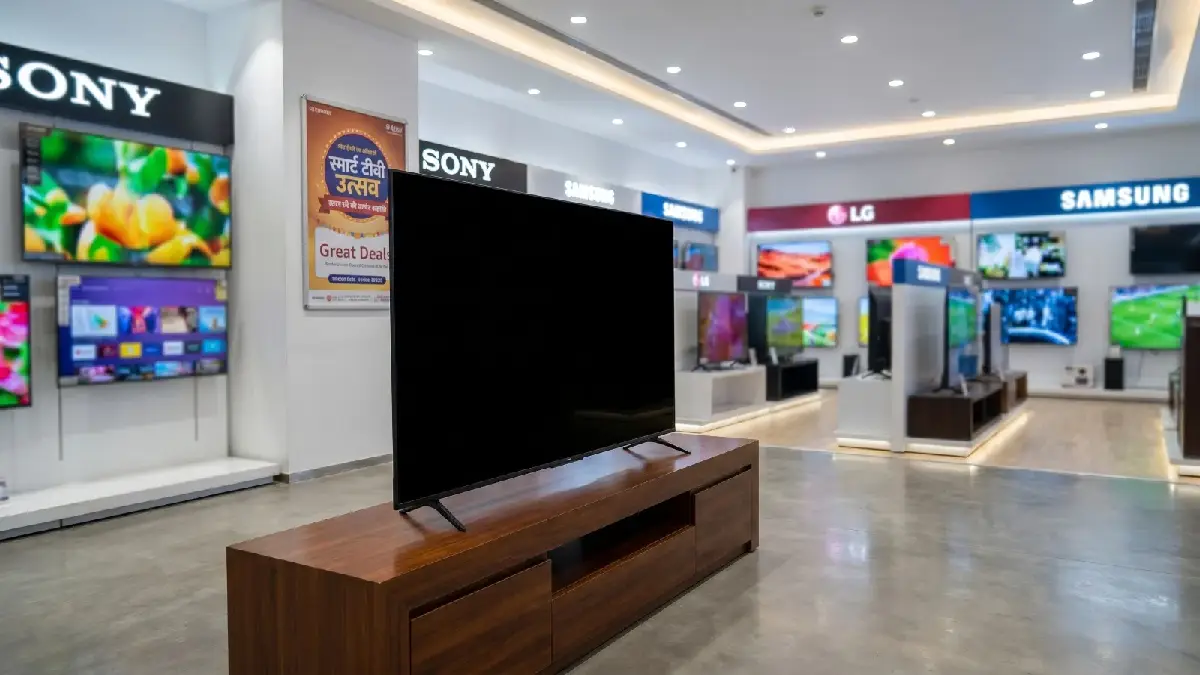
A smart TV now needs to do more than show broadcast channels. Buyers may want smooth live sports, console gaming, streaming apps and clear picture quality in one screen. Rather than choosing by screen size or discount alone, compare panel technology, refresh rate, HDMI ports, operating system and room lighting. Here are seven types of TVs to consider and the checks that matter.
1. Entry-level 4K LED TV
A basic 4K LED model can be a sensible choice for everyday streaming and television in a bedroom or smaller living room. Check brightness, viewing angles and the number of HDMI ports. A low price may mean limited HDR performance or a slower interface.
2. QLED TV for bright rooms
QLED models use a quantum-dot layer to improve colour and can be useful in brighter spaces. Compare measured brightness and reflection handling, not just the QLED label, because performance varies widely between models.
3. Mini-LED TV for contrast
Mini-LED backlighting can provide more precise local dimming than conventional LED sets, helping bright highlights stand out against darker scenes. Look for independent reviews that test blooming around subtitles and bright objects.
4. OLED TV for cinematic viewing
OLED screens can deliver deep blacks and strong contrast, making films and night-time viewing look impressive. Consider room brightness, price and your mix of static content. Modern OLED sets include features designed to reduce image-retention risks, but usage habits still matter.
5. 120Hz gaming TV
Console and PC players should check for a native 120Hz panel, low input lag, variable refresh rate and auto low-latency mode. HDMI 2.1 support is useful for compatible 4K high-frame-rate gaming, but confirm which ports support the full feature set.
6. Sports-focused TV
For cricket, football and racing, motion handling matters. A 120Hz panel can help fast action look smoother, but processing quality is equally important. Check whether the TV handles camera pans without excessive judder or artificial-looking smoothing.
7. Streaming-first smart TV
If you mostly watch OTT platforms, focus on app availability, interface speed, voice search and update support. Verify that your preferred services support the resolution and HDR formats you want.
Final buying checklist
Measure the viewing distance before choosing a size, compare warranty terms and inspect the number of HDMI and USB ports. Check Wi-Fi performance, sound quality and whether a soundbar will fit your setup. Read reviews from reliable testers and compare the final price across retailers.
The best TV is not always the most expensive one. Match the panel and features to your room and habits: gaming needs responsiveness, sports needs motion clarity, and streaming benefits from a reliable interface and good picture processing.